YOUR PERSONAL MEDIA LIBRARY
From a folder. To film night.
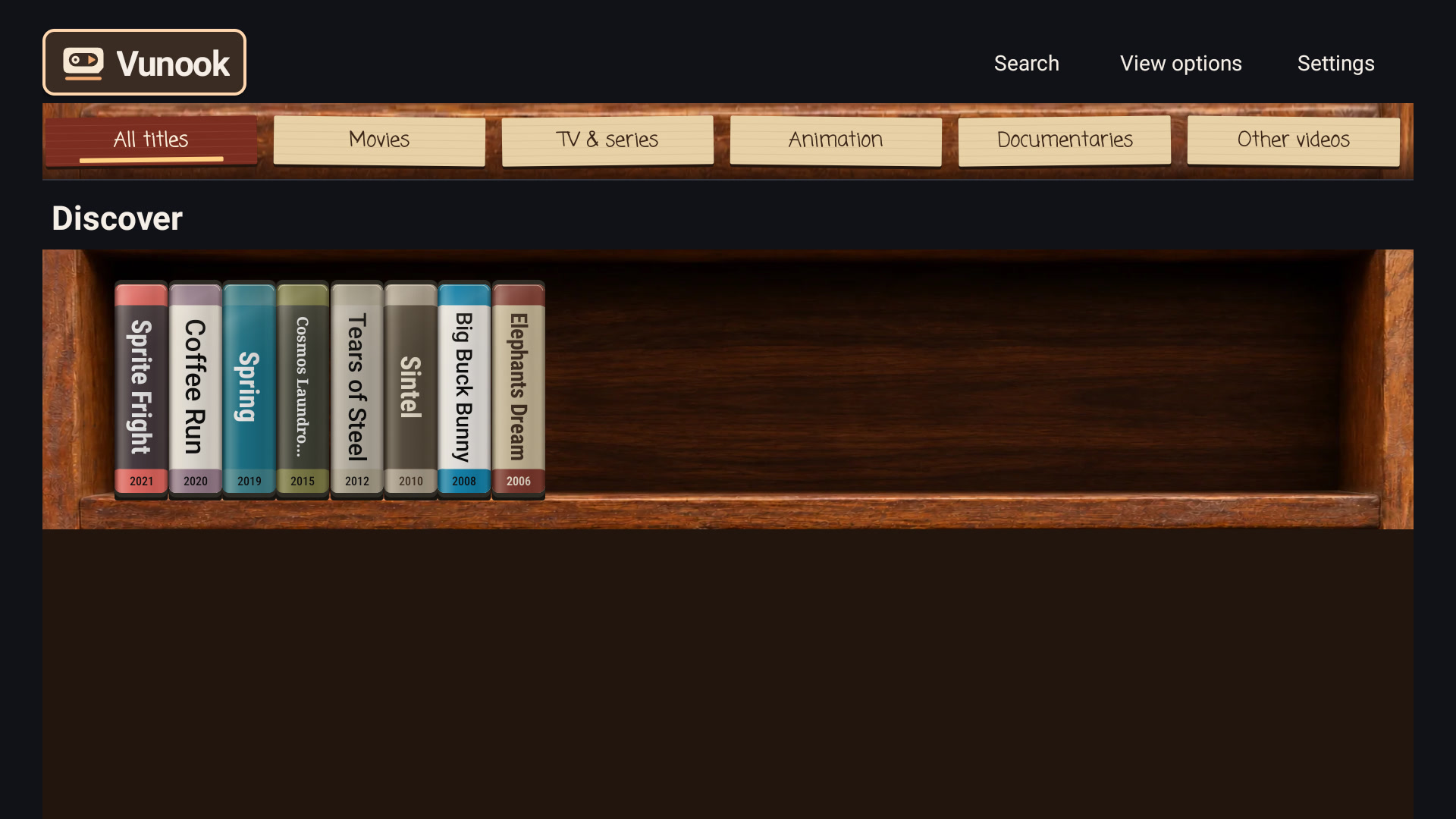
Leave your videos in Google Drive. Browse them on TV as a VHS shelf or a wall of posters, with your remote in hand.
No server. No NAS. No PC left running.
Android TV · Android phonesSMI & SRT subtitles
01Interactive preview
Pick tonight’s film.
Take a tape off the shelf or choose a poster. Open a title, then press play to watch a short sample.
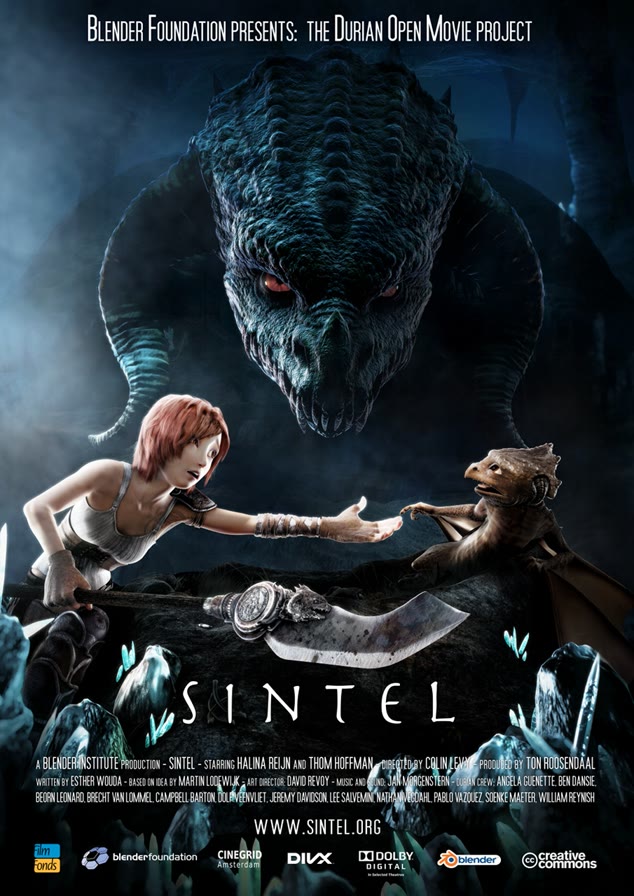
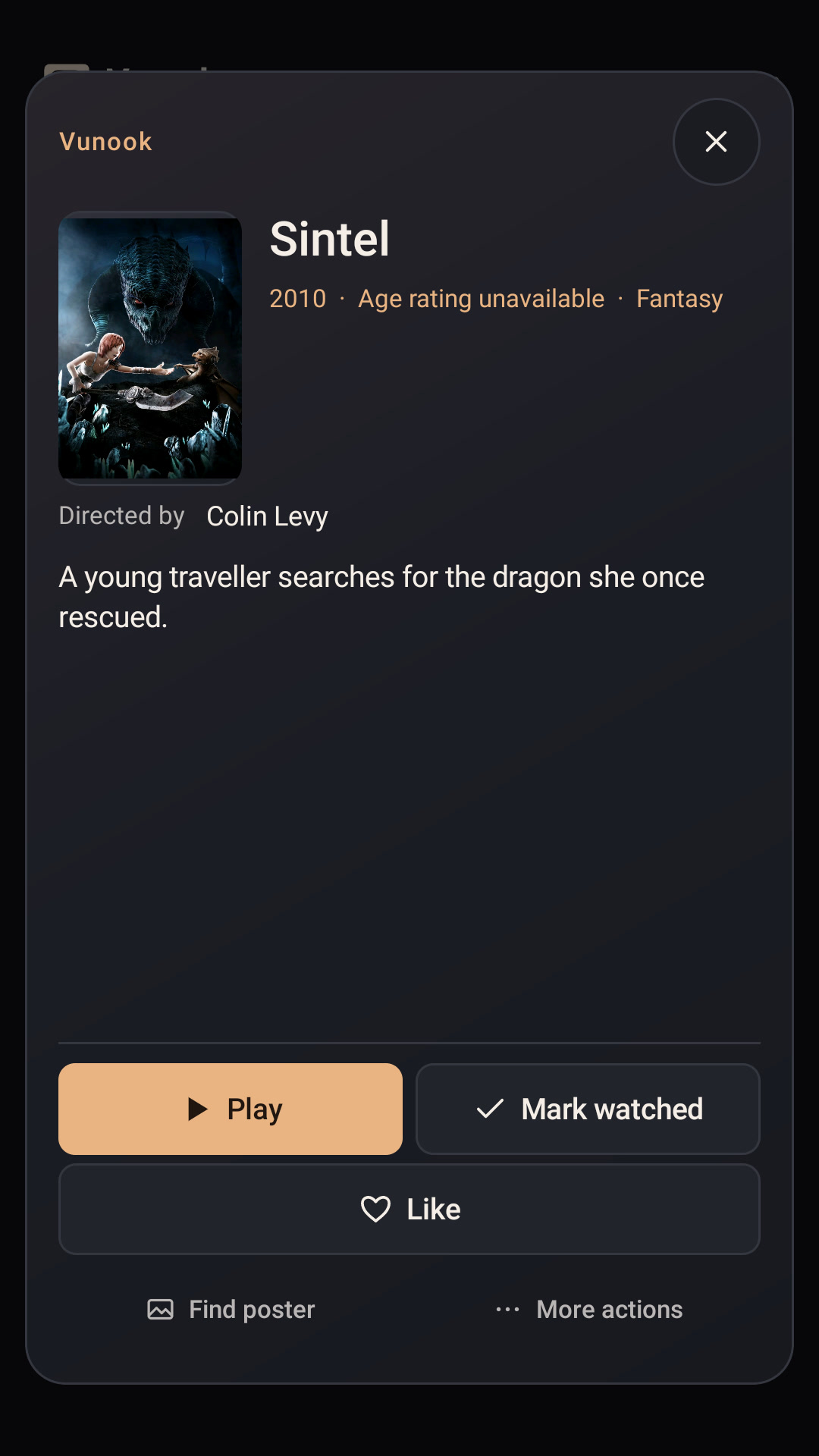
Sintel
2010Fantasy
Directed by Colin Levy
Poster search example
Sintel
Choose the cover you want to see on your shelf.
The sample could not be loaded.
A short excerpt from the selected open film. Android TV playback uses your connected Drive. Artwork credits
A web demo with sample films and controls based on Vunook for Android TV. No sign-in needed.
A LIBRARY, NOT A FILE LIST
Pick a movie, not a filename.
Keep your files in Drive. Vunook makes common filenames easier to read and puts seasons and episodes under their series.
Sintel.2010.1080p.mp4Sintel 2010Find your place again.
Continue Watching takes you back to the episode and position you left on this device.
Watch in the language you want.
Pick an available audio track, or use your own SMI or SRT subtitles alongside the video.
02Setup
Connect Drive. Start watching.
Your hardware is already set: just your TV or phone, an internet connection, and the Google account where you keep your videos.

Scan the TV code with your phone.
Illustration · not a scannable code Approve on your phone
Choose your Google account and allow Vunook to read videos from Drive.
A walkthrough only. This does not sign in to Google or access your files.
CONNECTED · EXAMPLE
Choose a video folder
Vunook shows the videos in your folder and any accessible subfolders.
A walkthrough only. This does not sign in to Google or access your files.
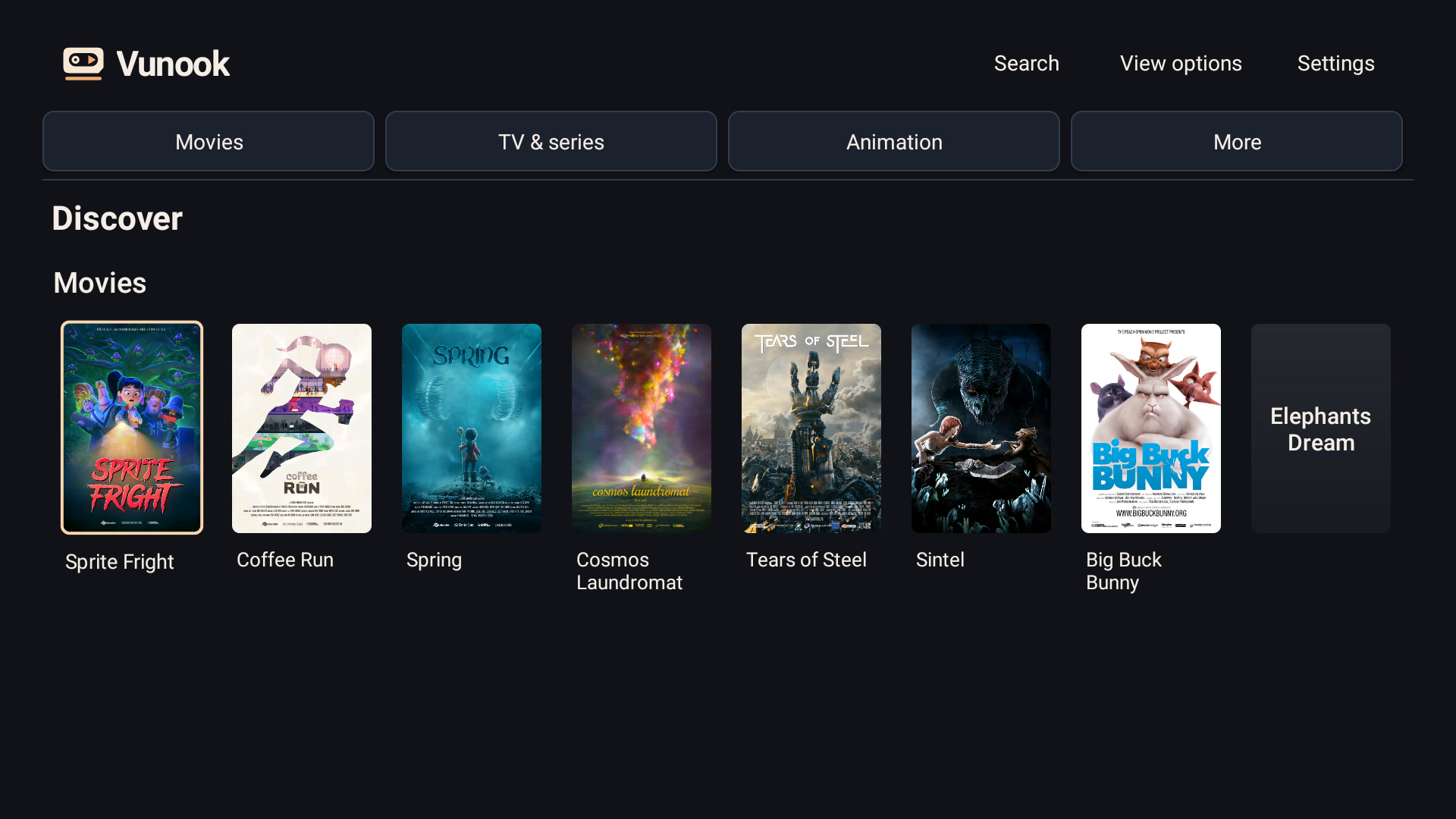
ACTUAL APP SCREEN
Open the library
Pick a title and play the original file directly from Drive.
Explore the libraryNo server. No NAS. No PC left running.
03Artwork
From a frame to a film poster.
Start with a video thumbnail. Choose an available poster or an image you’ve saved, and see it alongside the film’s details.
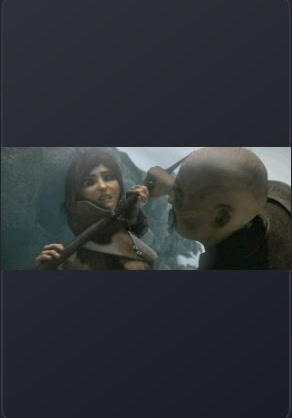
Try changing the cover
POSTER SEARCH EXAMPLE
Sintel
Choose the cover you want to see on your shelf.
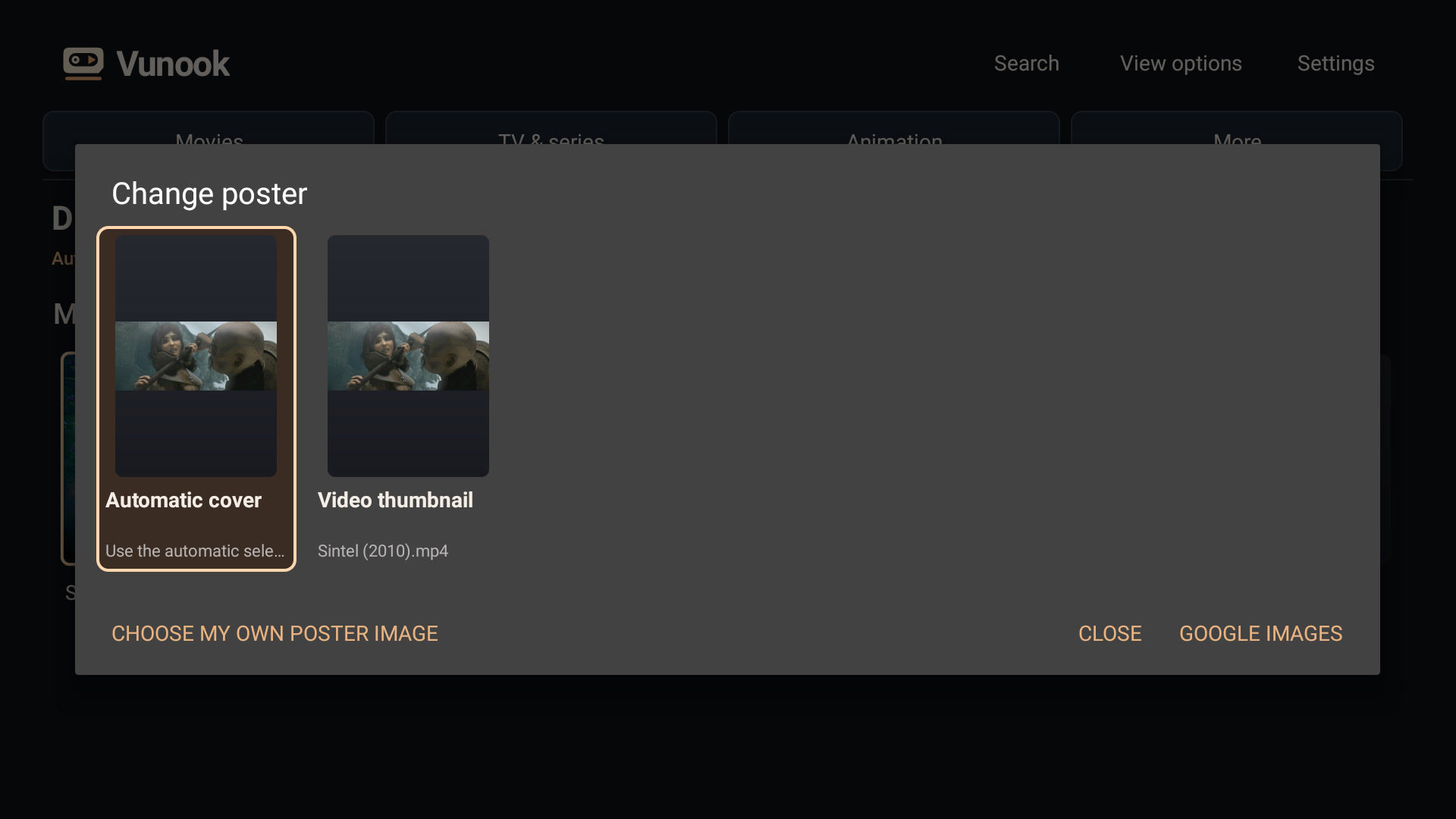
Actual selection screen for the Sintel example.
This demo doesn’t access your Google Drive or device files.
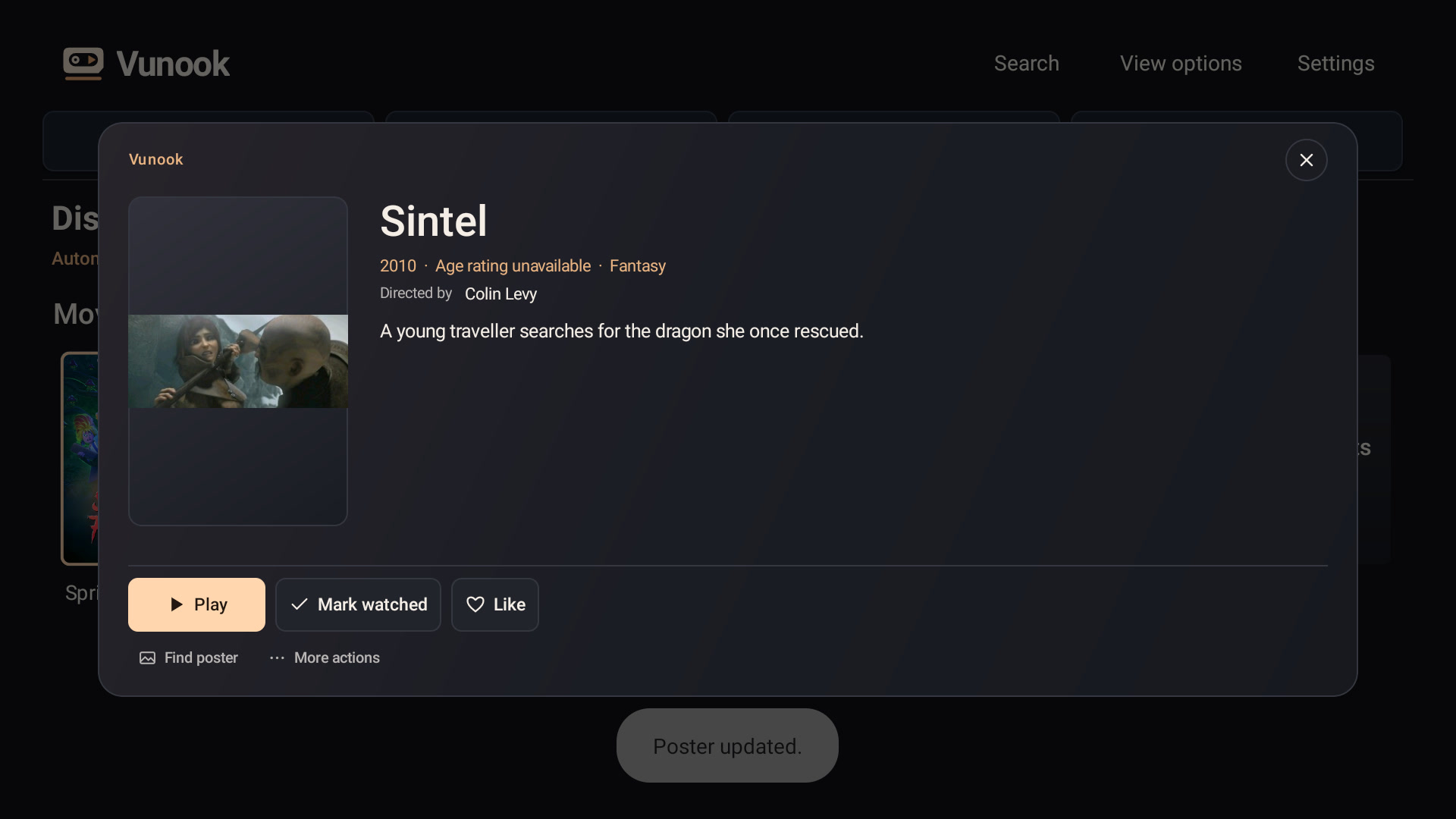
04Actual app screens
Made for the TV. Ready for your phone.
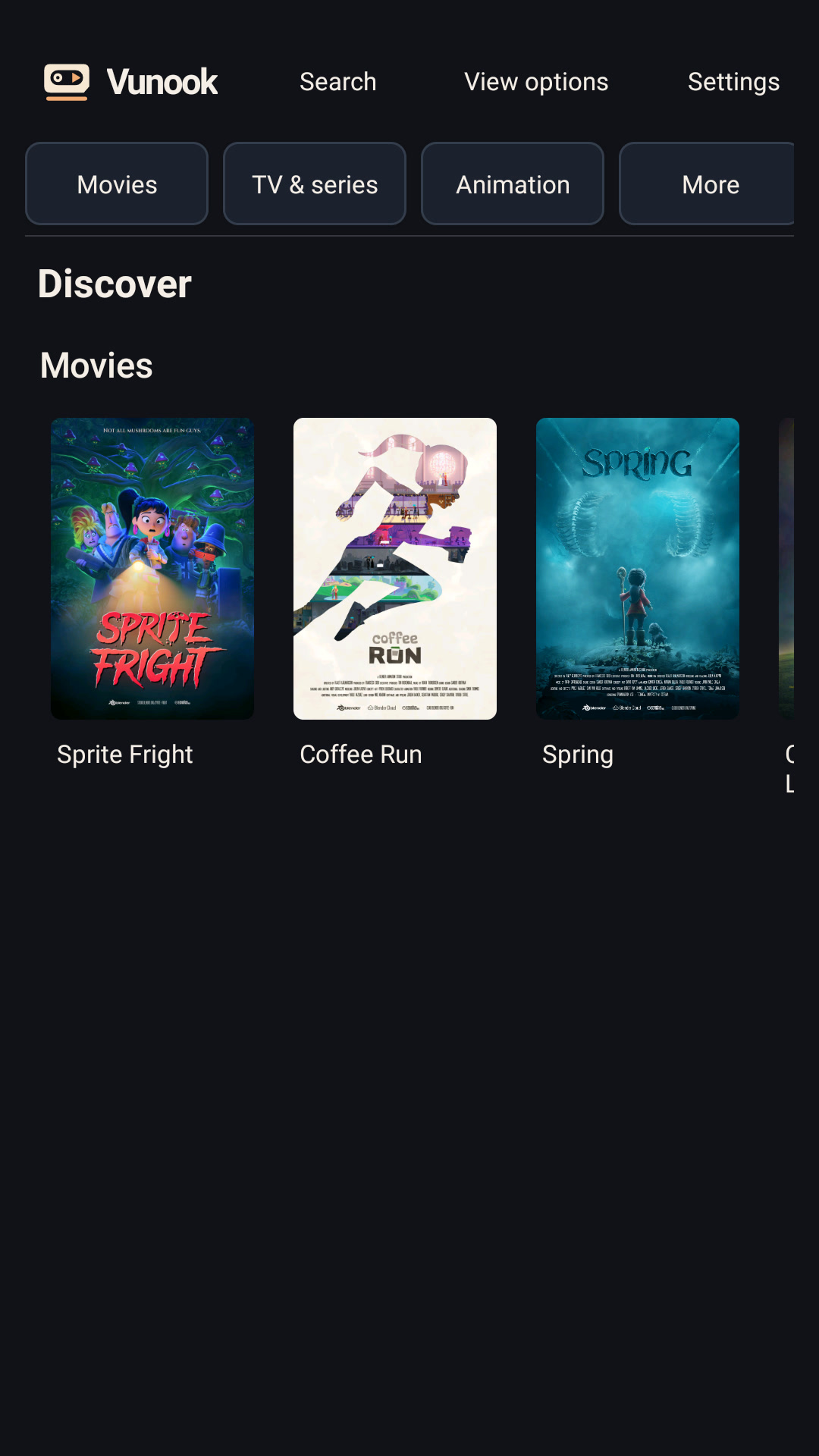
Browse with the remote on Android TV or by touch on an Android phone. These are real screens from the app.
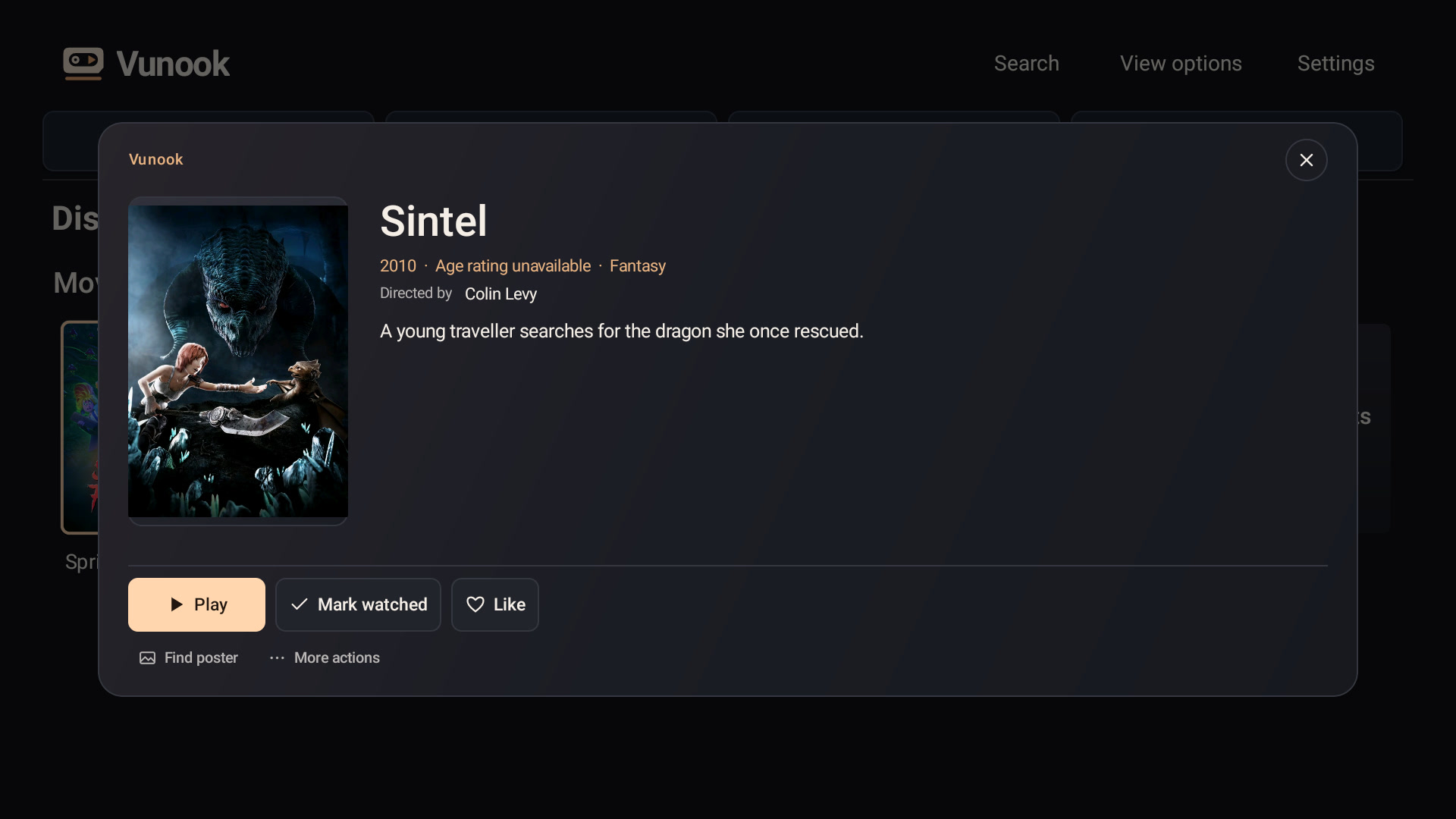
05Good to know
Playback & compatibility.
Original files, streamed directly from Drive.
Vunook plays the source file directly from Google Drive. High-bitrate videos, including some 4K files or files over 10 GB, may buffer depending on your connection and the codecs your device supports. 1080p is a recommendation for smoother viewing, not a resolution limit.
Do I need a server, NAS, or PC?
No. Videos stream from Google Drive to your device. You need an internet connection and permission to access your videos.
Can I use my own subtitles?
Yes. Keep your SMI or SRT file beside the video on Drive with the same base filename for automatic matching.
Does Vunook include movies?
No. Vunook is a player and library for your own video files. The independently produced films in these screenshots are examples, not a movie catalogue.
Android TV · Android phones
Ready for movie night?
Vunook is in pre-release testing. The download link will appear here after the Google Play launch.